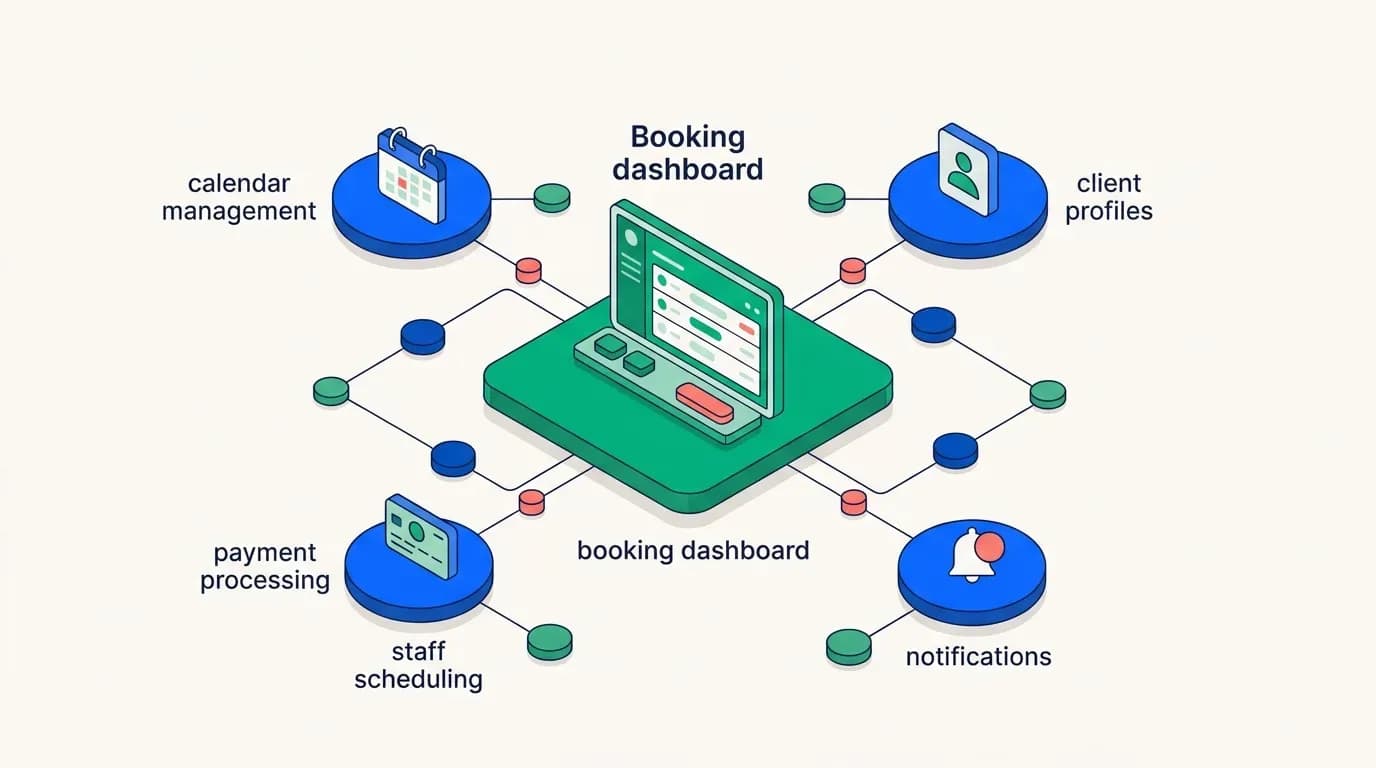
There's a moment most e-commerce operators hit around the second or third year. The warehouse is running. Orders are shipping. The tool that got you here, a spreadsheet, a cheap inventory script, a general-purpose SaaS plan, has quietly stopped being a system and started being a bottleneck. Somebody on the floor is maintaining a side spreadsheet for returns, and somebody else keeps a separate list of which supplier actually ships fastest. The software says one thing. The shelves say another.
That's usually when the question comes up. Do you buy another off-the-shelf tool, or build a warehouse management app that actually matches how you work?
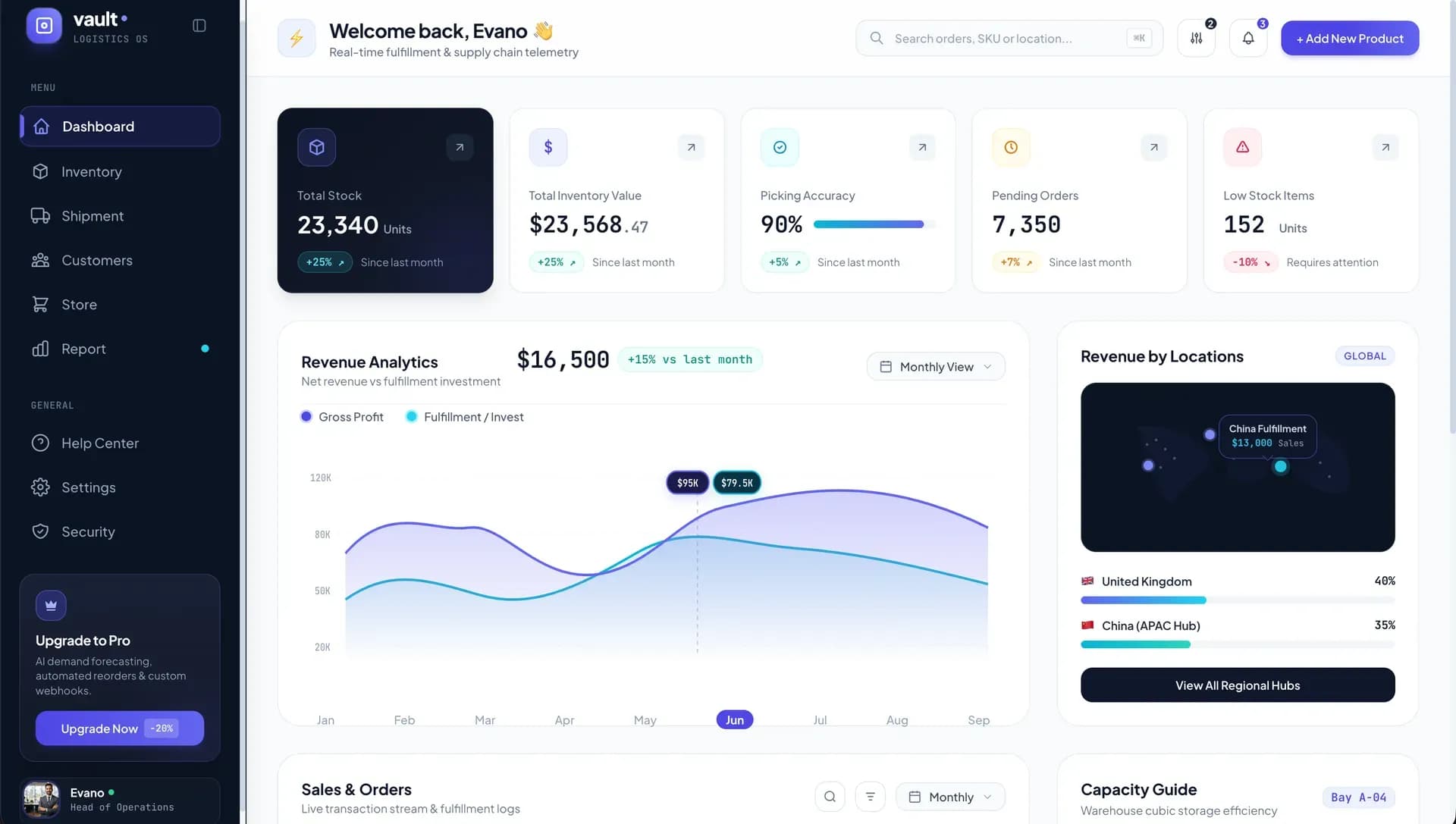
We've built this kind of software for operators for 18 years, across more than 1,000 businesses. The honest answer is that it depends on a small number of specific things, not on how big you are or how much you're spending. This article lays out what those things are, what a real build covers, what it costs, and how to decide without wasting a year finding out the hard way.
What a Real Warehouse Build Actually Covers
Before anyone touches an inventory feature, a genuine warehouse system needs a foundation. That means authentication, role-based permissions, an admin dashboard framework, and a database architecture that can hold the relationships you're about to need. Who can adjust stock? Who can approve a refund? Who can only scan and check in? Most off-the-shelf tools either hard-code these roles or skip past the groundwork entirely. That's fine until your warehouse manager, your customer service lead, and your accountant all need different views of the same record.
The deeper point is that warehouse software isn't really about counting things. Counting is the easy part. The actual work is connecting records. A customer issue links to an order, which links to a return authorization, which links to an incoming package, which links back to a SKU, which links to a supplier who charged a specific cost at a specific lead time. That chain is the system, and everything else is a view onto it.
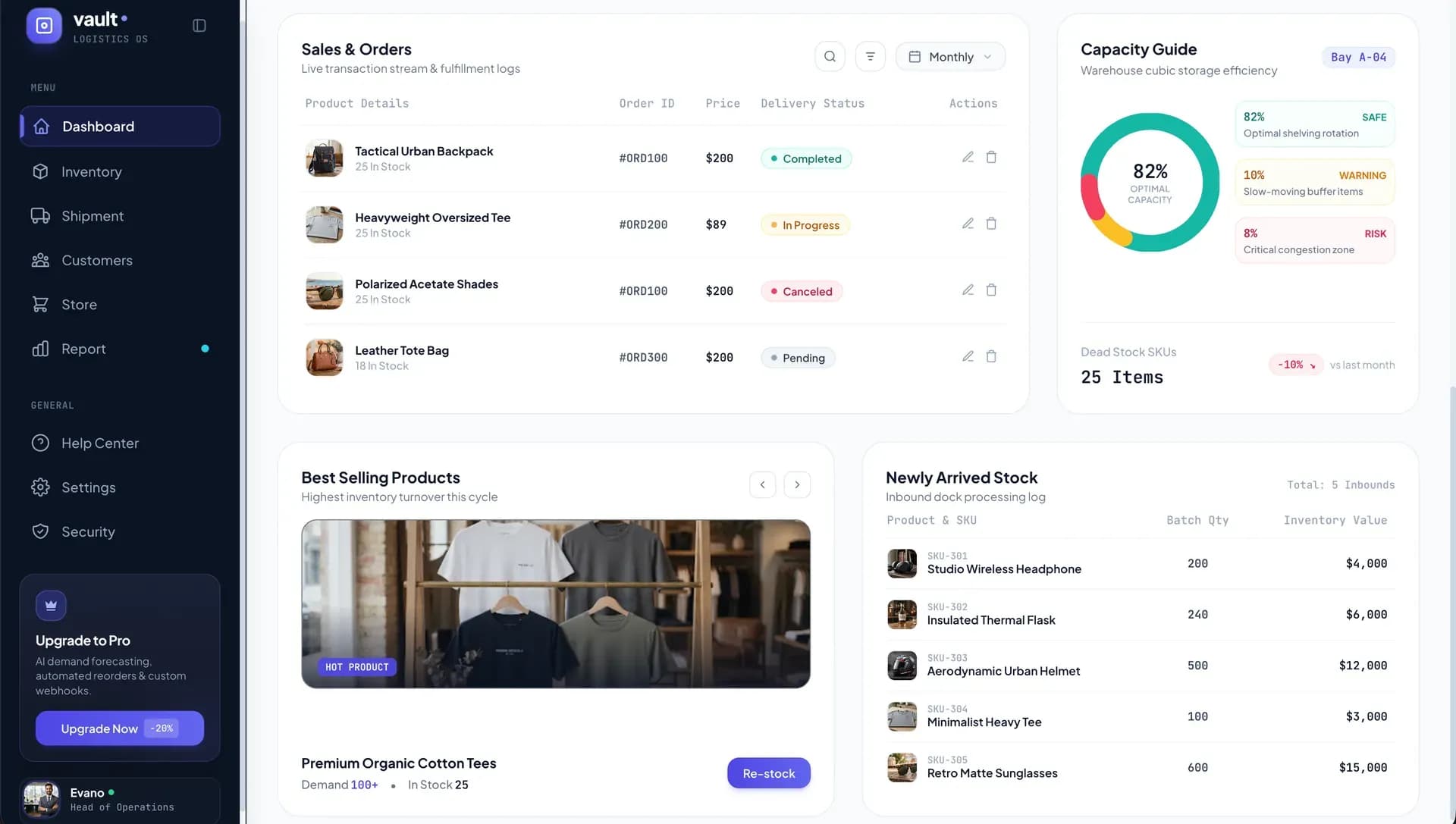
When that chain isn't modeled in the software, people rebuild it manually. The software becomes the place where stock counts live, while the spreadsheets become the place where the business actually runs.
A custom inventory management app starts from the opposite end. You define the relationships first, then build the screens that expose them. That ordering sounds academic until you try to add returns to a system that was never designed to know what an order was.
The Case for Buying Off-the-Shelf
A template script or a subscription tool can get a working dashboard in front of your team in days, not months. There's no upfront build cost, no scoping meetings, no waiting for a first milestone. If you're testing whether a warehouse operation is even viable, that speed is worth a lot. Spending $25,000 on custom software to manage 300 SKUs you might discontinue next quarter is a bad trade, and we'll tell you that before we quote you.
Off-the-shelf works genuinely well under one specific condition: a single warehouse.
The trouble starts at the edges. Most pre-built warehouse management software for ecommerce wasn't designed around live Shopify order data, RMA workflows, or supplier-specific lead times.
The Case for Building Custom
Custom isn't about having nicer screens. It's about three specific structural problems that packaged tools consistently fail to model. If none of these apply to you, buy. If two or three do, the math changes fast.
Connecting Orders, Issues, and Returns in One System
A customer emails about a damaged item. That issue needs to trace back to the original order, generate a return authorization, produce a label, track the inbound package, record the inspection outcome, trigger a customer refund, and trigger a supplier claim if the damage happened upstream. That's one event with seven consequences across three parties.
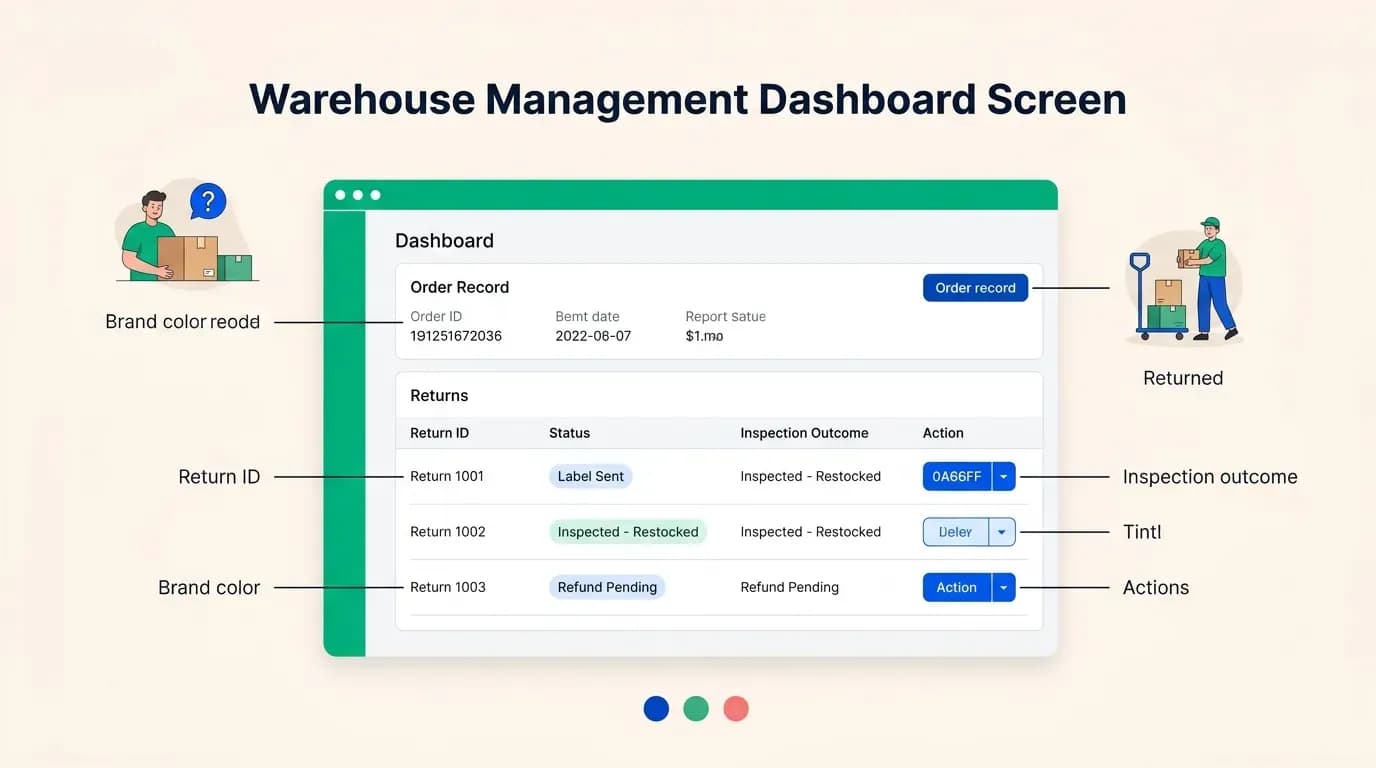
Generic inventory tools don't model this chain at all. They model stock going out and stock coming back. Everything in between lives in a support inbox.
An RMA and returns management system built properly keeps all of it in one record. You can open an order and see every issue raised against it, the return status, the condition grade on receipt, and whether the money went back to the customer, came back from the supplier, or both. That's not a reporting nicety. It's the difference between knowing your true margin and guessing at it.
A custom RMA and returns management system makes both halves of that transaction visible on the same screen. That's usually the point at which someone discovers how much the business has been absorbing.
Handling the Physical Reality of a Warehouse
Packaged software assumes everything arriving at your dock is expected. Real warehouses know better.
Boxes show up without purchase orders. Customers return items without an RMA number. Your system needs a place for a package to sit as "unidentified." Photographed, assigned a unique package number, logged with arrival time and carrier, until someone matches it to an order, a return, or a purchase order.
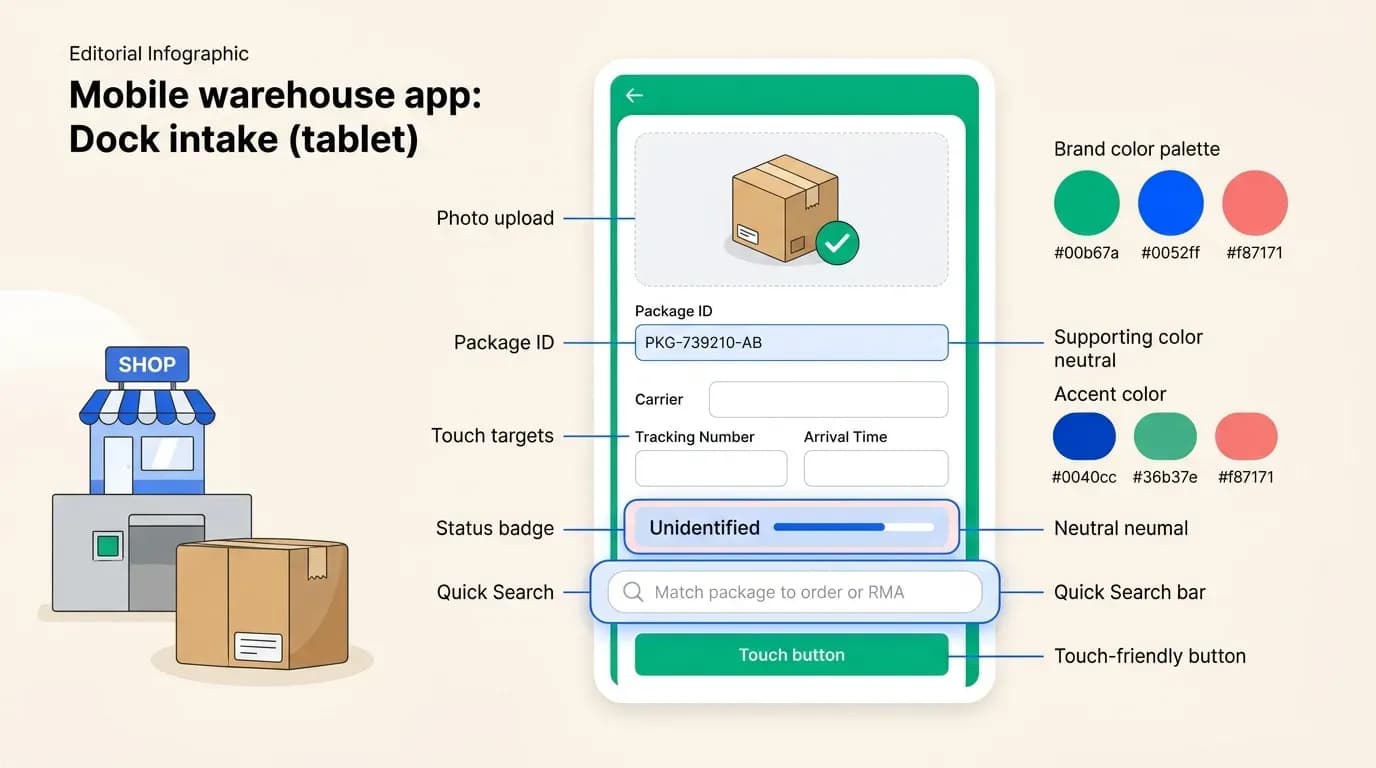
That matching step needs evidence: photos of the shipping label, the outer box, and the contents, attached to the package record. When a supplier disputes a short shipment three weeks later, that photo is the argument. When a customer claims they returned two items and you received one, that photo settles it. Most inventory software has no concept of a package that exists before it's been identified, so warehouses handle it with a phone camera, a shared drive folder, and someone's memory.
Label printing is the other physical constraint. The software has to work with the thermal printers already bolted to the packing benches, the specific models, the specific label sizes, the specific driver quirks. Off-the-shelf tools often support a narrow list of hardware and expect you to buy into it. When you're running six stations and a replacement printer is a $400 decision, software that forces new equipment is more expensive than it looks on the pricing page.
Unidentified and mismatched shipments are where warehouses lose the most hours per week. It's almost never a feature in packaged software, since it's the kind of problem that only shows up once you've worked a dock. That's precisely why nobody builds it into a product meant for everyone.
Managing Suppliers Beyond a Simple Contact List
Once your catalog passes a few hundred items, suppliers stop being contacts and start being a pricing system.
You need multiple suppliers per product, because one is cheaper and one is faster and you switch depending on how much stock you're sitting on. You need supplier-specific SKUs, because their part number isn't your part number and the mapping has to live somewhere other than a buyer's head. You need historical costs too, since the price you paid in March matters when you're calculating landed margin on inventory you're still holding in September. And you need per-product lead-time overrides, because the supplier's stated 14 days is real for most items and fiction for the three they drop-ship from overseas.
Off-the-shelf tools treat suppliers as a flat contact list with a name, an email, and maybe a default lead time. That's an address book, not supplier lead time tracking software. It can't tell you which supplier to reorder from today given current stock and current price and actual historical delivery performance, which is the only question a purchasing decision ever asks.
Proper supplier lead time tracking software records what was promised and what actually arrived, then uses the gap. After six months, you stop reordering on vendor promises and start reordering on vendor behavior. For businesses holding meaningful working capital in stock, that single shift usually justifies the build on its own.
Why Template Scripts Fall Short for Warehouse Work
Marketplace scripts are built for a generic audience by design. That's their business model, and it works well for straightforward products: a basic directory, a uncomplicated booking flow, a classifieds site. Warehouse operations are a bad fit for that model because almost everything that matters is operation-specific.
RMA statuses are a good example. Your return flow might be: requested, approved, label sent, received, inspected, restocked or scrapped, refunded. Someone else's is four steps. Someone else's includes a repair loop. A template can't ship all of those, so it ships none of them, and you bolt yours on after purchase.
The same applies to package check-in, supplier lead times, and multi-store order sync.
Here's the honest version, though. A cheap script isn't wasted money if your operation is genuinely simple. If you need a stock list, a reorder alert, and a barcode scan, buy the script, then spend the saved budget elsewhere. The script becomes expensive specifically when returns volume grows, when a second supplier enters the picture, or when you need a real Shopify warehouse integration that pushes and pulls in both directions.
The decision isn't template versus custom in the abstract. It's whether the complexity you have today is the complexity you'll have in 18 months.
What a Custom Build Timeline and Warehouse App Development Cost Look Like
Complex operational software gets built in milestones, and the first one is never a warehouse feature.
Milestone one is the platform foundation. Authentication, role-based permissions, the admin UI framework, and the database architecture that everything else will hang from. It's unglamorous and it's the milestone that determines whether milestones three through six go smoothly or painfully. A client once asked us to skip it and start with inventory. We didn't, and six weeks later when the returns module needed four different permission levels, the reason was obvious.
From there, a typical sequence runs: order and issue integration, including the Shopify warehouse integration that pulls live order data. Then returns and the RMA and returns management system. Then inventory, locations, and multi-warehouse inventory sync. Then suppliers, costs, and lead times. Each stage ships as a working, reviewable deliverable. You log in, click through it, and tell us what's wrong before the next stage starts. That's how a non-technical founder stays in control of a technical project, not by reading code, but by using the thing every few weeks.
On warehouse app development cost: at Appkodes, first releases start from $8,000, with the scope agreed as a fixed price and fixed launch date before any work begins. That's the same structure we use for a delivery app or a remote patient monitoring platform, and it exists because unpredictable invoices are the thing founders fear most about custom software.
What moves the number is modules, not hours. A single-warehouse stock system with foundational order sync sits near the bottom of the range. Add a full RMA and returns management system, multi-store Shopify warehouse integration, supplier lead time tracking software, and package check-in with photo evidence, and the warehouse app development cost rises accordingly. Each of those is a real subsystem with its own data model and screens.
We scope them individually so you can see what each one costs and decide to defer the ones that can wait. Our app development guides walk through how that scoping conversation works in practice.
How to Decide: A Practical Checklist
Run your operation through these. The answers are usually clearer than the debate suggests.
Buy off-the-shelf if: you track stock levels in one location, you work with one or two suppliers on stable terms, returns are occasional rather than systematic, and your order volume doesn't require real-time sync with a sales platform. A template or a SaaS subscription covers this, and custom software would be overbuilt.
Build custom if: you're running more than one location and need multi-warehouse inventory sync that reflects reality rather than last night's export. Or you're processing returns at volume and losing track of supplier claims. Or you're operating several Shopify stores that need to draw from shared stock without overselling. Or your picking rules, condition grading, or compliance requirements, cold chain, batch and expiry tracking, serial number traceability, don't exist as options in any product you've trialed.
One more test, and it works on any vendor including us. Don't ask whether a feature exists. Ask how it's modeled instead. How does a customer refund differ from a supplier refund in your data? What happens to a package that arrives with no paperwork? Where does a per-product lead-time override live? Vendors with real warehouse experience answer these in specifics. Vendors without it answer in feature names.
If you're still at the stage of working out what to build at all, our guide on how to create an app for your business covers the groundwork. The same milestone approach we use for property development apps applies directly to operational software like this.
Ready to scope your warehouse system? Tell us how your operation actually works, returns, suppliers, stores, and all, and we'll come back with a module-by-module scope and a fixed price. Get a quote, agreed before we start.
Common questions
Is a custom warehouse app worth it compared to a cheap script?
For simple stock tracking with one supplier and one location, a script is fine and you should buy one. The question to ask is where your operation will be in 18 months, not where it is today.
Can a non-technical founder manage a custom warehouse build?
Yes, and most of our warehouse clients are operators rather than engineers. The structure does the work: a fixed price and fixed launch date agreed before anything starts, then milestone deliverables you can log into and test. You review working features, not specifications. If the returns screen doesn't match how your team actually handles returns, you say so at that milestone rather than at launch.
Will the cost stay within the original quote?
We agree a fixed price and fixed launch date before work begins, so the scope and the cost are locked in upfront. The caveat worth stating plainly: costs vary by how numerous modules you include. Adding a supplier management system or multi-store Shopify integration after scoping is a change in scope, and we'd requote that part rather than absorb it quietly. Nothing gets added to your invoice without you agreeing to it first.
How long does a build like this take?
Timelines depend entirely on scope. For reference, we've launched comparable operational apps, including a medicine delivery platform with ordering, dispatch, and admin tooling, in around 30 days. A warehouse system with four or five modules typically runs longer, and we'd give you the specific date as part of the quote rather than an estimate you'd have to adjust later.

Arun Andiselvam
LinkedInI am a startup veteran who has built five brands. I sold the first, an SEO tool, for a six figure exit, and now lead Appkodes, building custom mobile and web apps for founders and businesses. I bootstrapped every one of them from day one.