Mobile Point of Sale System: What It Is & How It Works
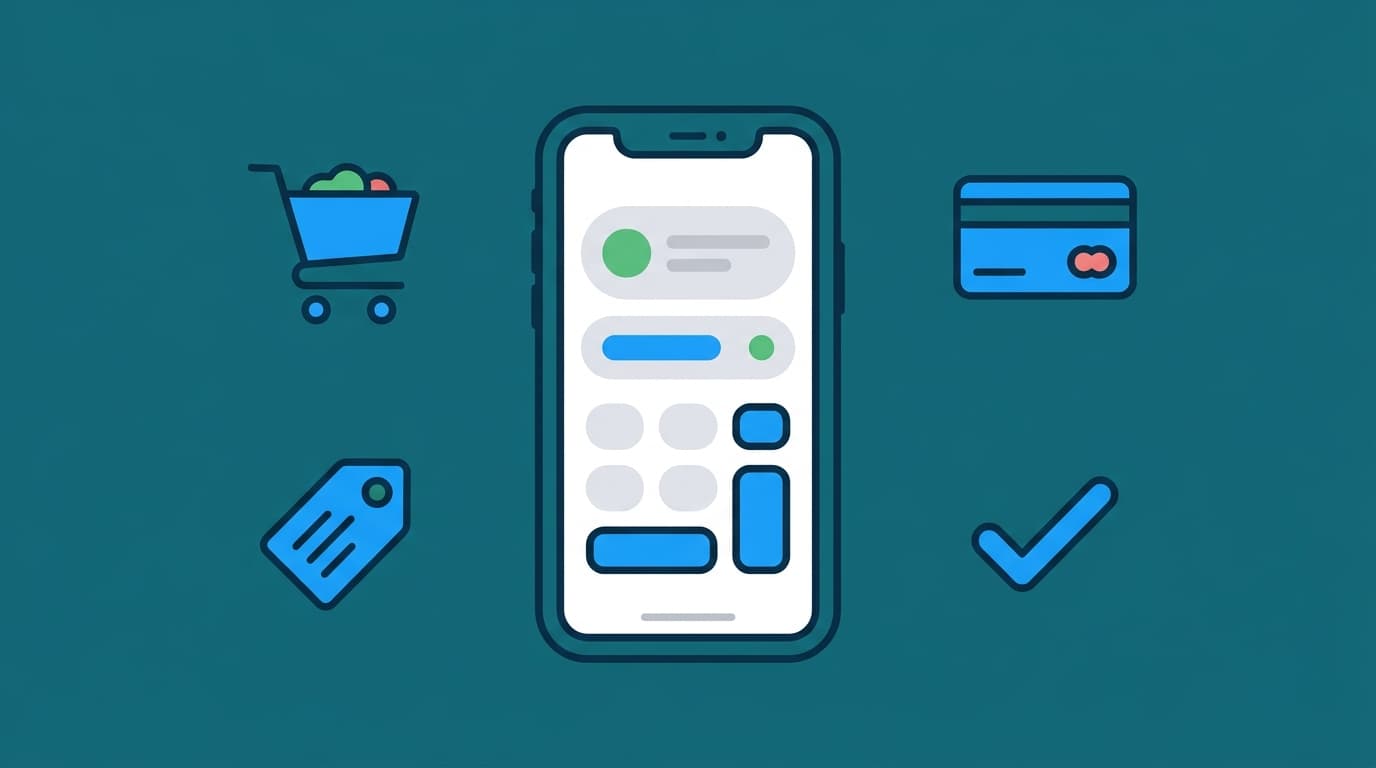
A mobile point of sale system is checkout software that runs on a phone or tablet instead of a fixed register. It takes the order, charges the card, updates stock, and sends the receipt, all from a device your staff can carry to the customer, the table, or the repair counter. That's the whole idea. Everything else is detail about how well it does those jobs when your shop is busy.
We build these systems for shop owners and founders. This guide answers the questions that come up before anyone signs anything: what you actually get, where off-the-shelf products break, and what to check before you commit your store to one.
What is a point of sale system, in plain terms?
People search "what is point of sale systems" expecting a definition, so here it is without the jargon. A point of sale system is the combination of software and hardware that completes a sale. It records what was sold, takes the payment, reduces inventory, and keeps a record you can report on later. A cash drawer and a card machine are not a POS. They take money, but they don't know what you sold.
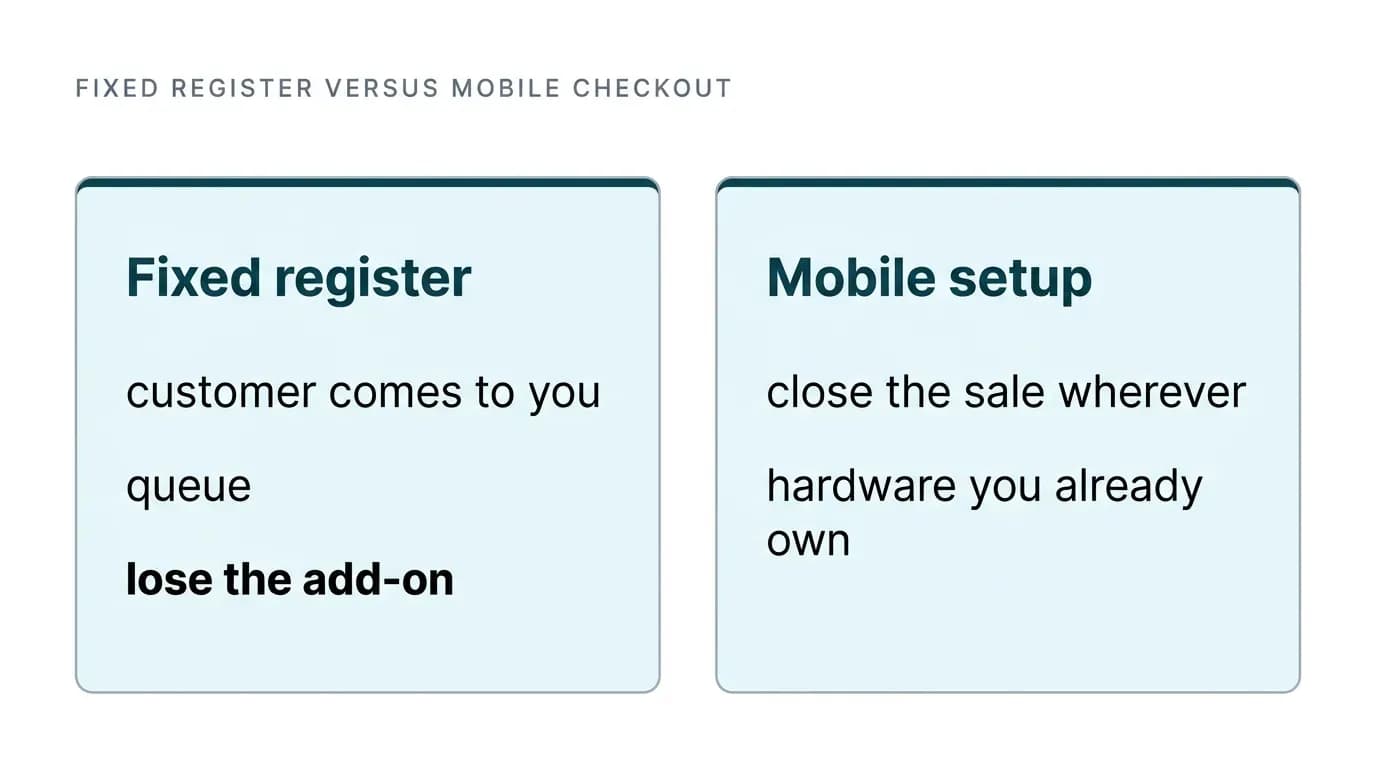
The mobile version moves that software onto a handheld device and connects it to the internet. The practical difference is where the checkout happens. A fixed register makes the customer come to you and queue, while a mobile setup lets you close the sale wherever the customer decided to buy: beside the accessories wall, at the repair bench, or on a doorstep delivery. For mobile shops specifically, that matters because the sale often happens during a conversation about a device, a case, or a screen replacement. Sending someone to the counter is where you lose the add-on.
The other thing a mobile point of sale system changes is cost structure. You're not buying a terminal and a screen and a tower. You're buying software, and often using hardware you already own. That shifts the question from "can I afford the equipment" to "what is this software costing me per transaction," and that's where most shop owners get caught out.
The things nobody tells you before you sign up
Payment processing is the first trap. Bank-provided POS packages look convenient because the money lands in an account you already have. But the processing rates attached to them are often brutal for small operators. Check the card processing rate and the per-transaction fee carefully before you sign, since on a shop doing several thousand dollars of card volume a month, that difference compounds into real money. Worse, we keep seeing mobile service businesses hit sudden payment acceptance failures on bank-integrated systems with no explanation from support, which forces a migration at the worst possible time. Peer-to-peer transfer apps aren't the escape hatch either. Their daily caps, often a few hundred dollars for a newer account, don't survive a single good trading day.
So ask one question early: can this system process cards without locking me into one processor? Software that lets you bring your own payment provider gives you room to renegotiate rates later, while software that hard-wires its own processor means your margin is set by someone else forever. The same applies to hardware. Modern phones can take contactless payments directly, so be skeptical of any vendor charging you for a reader and a monthly per-device fee to unlock tap-to-pay you already own the chip for.
Then there's catalog size. Mobile POS tools handle a few hundred products neatly and start creaking badly as the catalog grows. Some iOS-based systems become noticeably unreliable once the catalog gets large, with slow searches and sync that silently falls behind. If you carry accessories, spare parts, and trade-in stock, you'll pass that line faster than you think.
Test it with your real catalog, not the demo one. Also test checkout speed the way your shop actually runs. Try it on store Wi-Fi at your busiest hour, with a card reader connected and a long receipt, and throw in a return in the middle of the queue too. A system that's quick in a showroom demo on a clean network tells you nothing.
Inventory sync, QR ordering, and specialized retail needs
Real-time sync is the feature that's most often promised and least often verified. If you sell online and in-store, every sale on either side has to reduce the same stock number within seconds, both ways. Ask specifically about the platform you use. Shopify-based stores need to confirm that the mobile device, the desktop admin, and the online storefront all read from one inventory record rather than from periodic imports. An import-based "sync" is how you end up selling the same handset twice. This is also where a custom build often wins. It can hold one source of truth and push updates everywhere instead of reconciling three systems after the fact. If you're weighing that path, our mobile app for Shopify store work covers exactly this kind of integration.
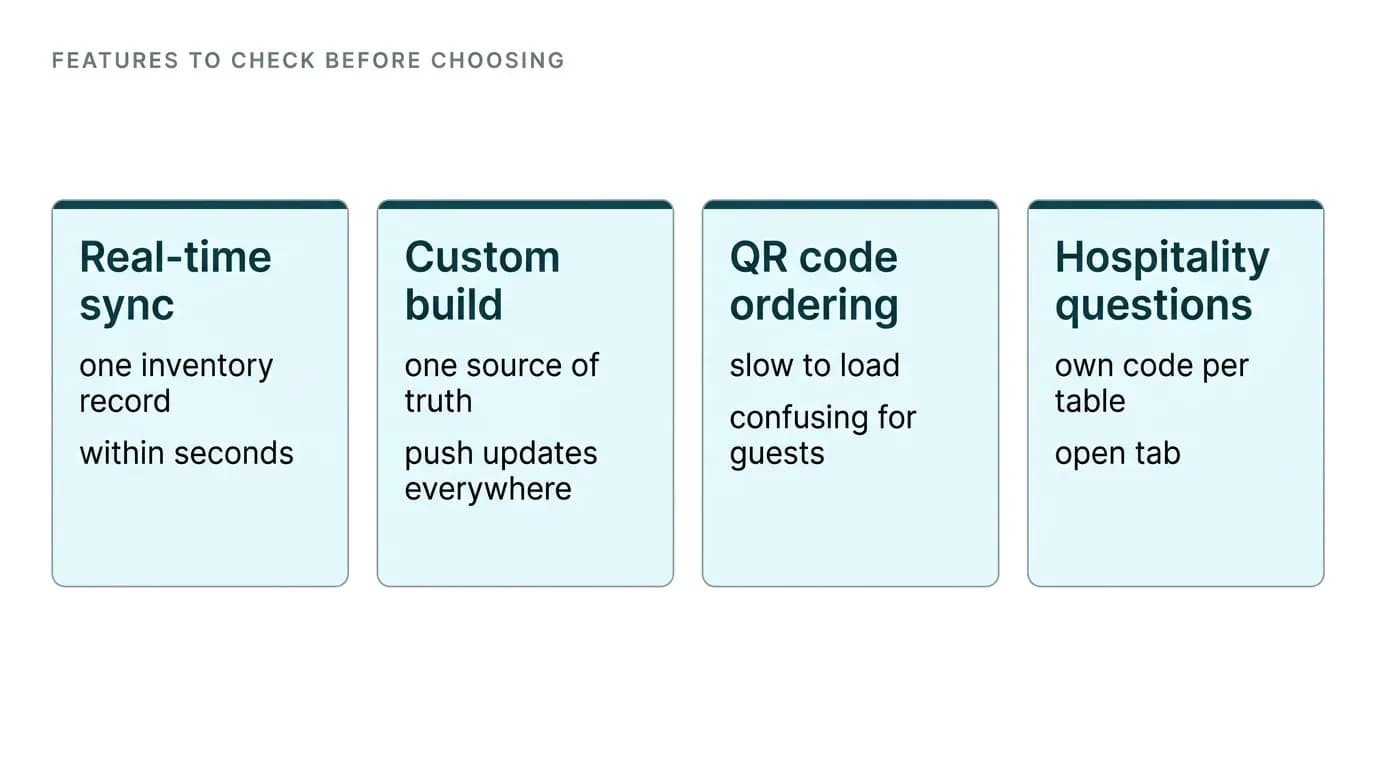
QR code ordering deserves its own warning. The category is crowded, and most of what's available is poorly designed despite being everywhere. It's slow to load, confusing for guests, and awkward for staff.
If you run a hospitality side to your business, a few questions separate a usable system from a toy. Can each table get its own code? Does an order placed from that code print automatically to the right kitchen or bar printer? Can a guest run an open tab rather than paying upfront for every round? Plenty of products fail the last two.
Mainstream mobile shop pos software often quietly runs out of road once retail needs get specialized. Weight-based inventory for grocery or butcher counters is a long-standing request that major vendors have simply ignored for years. WIC and EBT acceptance, along with zero-movement reporting that flags stock that hasn't sold in months, is either absent or bolted on badly. If your business depends on one of them, confirm it exists before anything else, since it's the fastest way to eliminate half the market.
How to decide, and what a custom build changes
Start with an honest list. Note your catalog size, your monthly card volume, the platforms you already run, and the one or two features you cannot operate without. Score every product against that list before you look at pricing pages. Most shop owners do it backwards and end up paying for a tidy interface that can't do the one thing their shop needs.
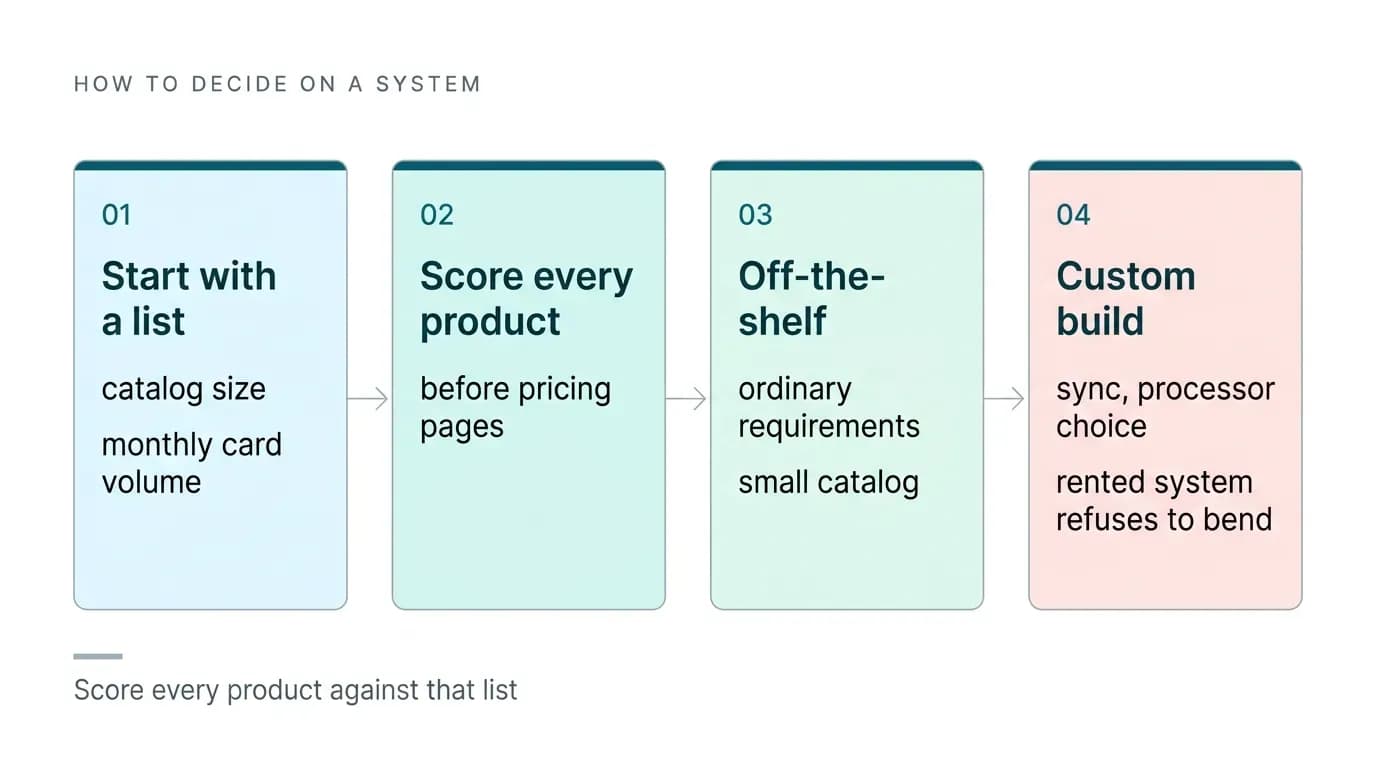
Off-the-shelf makes sense when your requirements are ordinary and your catalog is small. A custom build makes sense when sync, processor choice, or a specialized requirement sits at the center of how you make money, and those are precisely the things a template vendor will never change for you. We've built software for shop owners across many niches, and the pattern is consistent: founders switch to custom after a rented system refuses to bend.
If repairs are part of your revenue, our comparison of mobile phone repair shop software covers ticketing and parts tracking alongside checkout. For the wider picture of running a store's stock and operations, start with our guide to mobile shop software.
When you're ready to scope a build, we agree a fixed price and fixed launch date before work starts. First releases have started from $8,000, though the final figure depends on scope. Send us your requirements list and we'll quote against it.

Arun Andiselvam
LinkedInI am a startup veteran who has built five brands. I sold the first, an SEO tool, for a six figure exit, and now lead Appkodes, building custom mobile and web apps for founders and businesses. I bootstrapped every one of them from day one.