Custom App vs Template Script: Which Should You Pick?
Custom App vs Template Script: Security, Cost, and Risk
Comparing custom app vs template script for your MVP? See the real tradeoffs in cost, risk and speed before you decide where to put your budget.
Every week we talk to a founder weighing the custom app vs template script decision, with two browser tabs open. One is a marketplace listing for a ready-made script at a few hundred dollars. The other is a quote from an agency with four zeros in it. The question is always the same: can the cheap one work, or are you about to waste three months finding out it can't?
Here's our honest answer, up front. A template script is a reasonable way to test a demo in front of a few friends, but it's a poor foundation for a business you intend to run, hire for, take payments through, or raise money on. The custom app vs template script decision isn't really about code quality. It's about who owns the thing when something breaks at 2am and your users are watching.
We've been building apps for 18 years and have worked with over 1000 businesses. A steady share of those projects started as a rescue. A founder bought a script, got partway through, then hit a wall they couldn't pay their way out of. So this guide covers what the comparison pages skip: security exposure, shell injection, file size limits, naming conventions, environment variables, backups, and the real total cost of ownership once you add integrations.
A template script is a snapshot of someone else's build. It ships with their database schema, their admin panel, their choice of payment gateway, and their assumptions about how your business works. You get the files, but you don't get the reasoning behind them, and you rarely get the person who wrote them.
Custom MVP development inverts that. You start from your flow, how a rider gets assigned, how a therapist's availability syncs, how a gift animation triggers during a PK Battles round, and the code is written to serve it. You also get a team that can explain any line of it.
The build vs buy app question gets clearer when you ask a different one: what happens on day 90? With a script, day 90 is usually when you ask for a change the original author never anticipated, and discover that every file has to be touched to make it. With custom MVP development, day 90 is a scoped change request against a codebase someone is accountable for.
That said, custom isn't always right. If you need a static landing page with a signup form to test demand, build that in a weekend with no-code and spend nothing. The moment money moves, user data is stored, or two sides of a marketplace need to coordinate, template script vs custom development stops being a close call.
The security risks nobody lists on the product page
This is where cheap scripts quietly cost the most, and buyers almost never audit this part of CodeCanyon script risks before purchase.
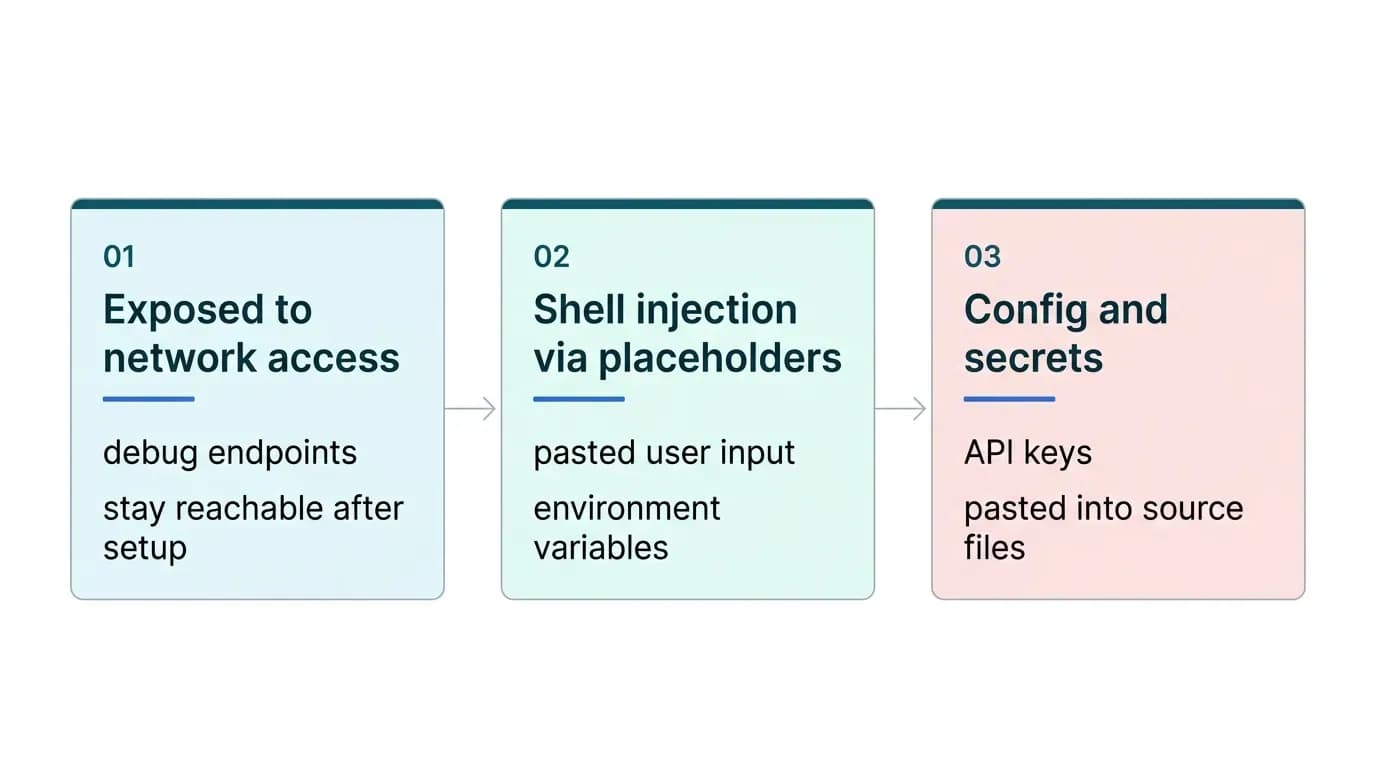
Scripts exposed to network access. Many clone app script packages ship with admin tools, debug endpoints, backup routines or installer directories that stay reachable after setup. Anyone scanning your domain can find them. A script written to be easy to install is, by definition, written to be simple to get into. Before you go live with any purchased package, assume every utility file in that bundle is publicly reachable until you've proven otherwise.
Shell injection through placeholder values. A pattern we see constantly in bought scripts is a shell command built by pasting user input straight into the command text. Someone types a filename with a semicolon in it and now they're running commands on your server. The fix is uncomplicated and worth insisting on: placeholder values belong in environment variables that the shell reads, not interpolated into the script body. If you're evaluating a script, search it for places where a command string is assembled from form input. What you find will tell you most of what you need to know about the rest of the code.
No separation between config and secrets. Database passwords, API keys and gateway credentials pasted directly into source files are common in template packages. They then get committed to whatever repo you set up, shared with the freelancer you hire, and sit in your email forever. Environment variables exist for exactly this purpose and cost nothing to use.
A custom app vs template script comparison that ignores this is only comparing the purchase price, not the breach.
Script limits, naming and the boring parts that break things
The unglamorous constraints are the ones that surface three weeks after launch.
File size limits and quotas. Scripts and the uploads they handle run into caps at multiple layers: the upload limit, the execution timeout, the storage quota on your hosting plan, and the request size your proxy will accept. A bought script usually documents one of those four. A short video app or live streaming build has to be designed against all of them from the start, because the first user who uploads a long clip on a slow connection finds every limit you forgot.
Naming conventions for scripts and identifiers. This sounds trivial until you inherit a codebase where the same concept is called three things. Pick a convention early, lowercase, hyphen or underscore separated, no spaces, prefixed by the area it belongs to, and apply it to script files, environment variable names, database tables and API routes alike. It's the cheapest maintainability investment you'll ever make, and template packages almost never have one.
Editing scripts in the app, not only on disk. A real friction point in script-driven tools is that editing is restricted to files on disk. The logic behind that restriction is sound, but it makes every small change a server session. The better pattern is a controlled in-app editor for the values that change often, with the script bodies themselves kept on disk and reviewed. Workflow speed and security aren't opposites here, and they just need to be designed together rather than one being traded away.
Backups and version control. Store custom scripts as plain files in a config directory so they sit alongside your other configuration, get picked up by your backup job, and can be edited outside the app. Then put that directory in version control. If your only copy of a critical script lives inside a database row in an admin panel, you don't have a backup. You have a single point of failure with a nice interface on it.
Total cost of ownership: the number that actually decides it
Compare the sticker prices and a template wins every time.
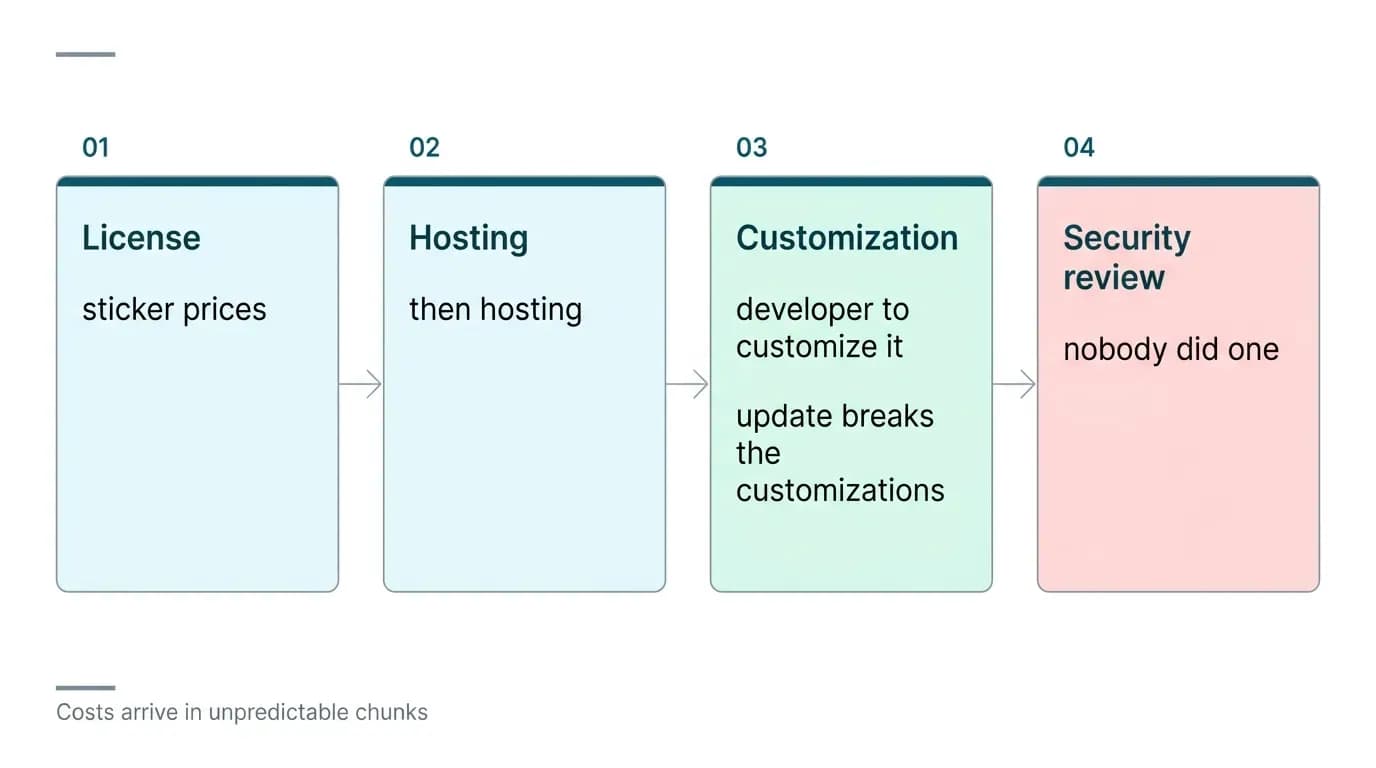
Compare total cost of ownership over a year and the picture changes. With a script you pay the license, then hosting, then a developer to customize it, then the same developer again when the next update breaks the customizations, then a security review when you realize nobody did one. Costs arrive in unpredictable chunks, which is worse for a cash-tight startup than a larger predictable number.
Then there's integration overhead, and it compounds faster than founders expect. Organizations today juggle large application estates, and only a portion of those tools are actually integrated with each other. Every gap is engineering work someone has to do. On off-the-shelf platforms, API rate limits don't scale neatly with pricing tiers, so growth forces plan upgrades you never budgeted for. Webhooks from SaaS platforms have no guaranteed delivery, so teams end up writing reconciliation jobs purely to catch events that never arrived. None of that appears in the comparison table when you buy.
The same trap shows up in low-code builders. Writing and debugging HTML and CSS inside automation nodes is error-prone. Serving a full page through one node forces content and styling together in a way that becomes unmaintainable. Adding dynamic data needs JavaScript workarounds instead of real templating. You save a month and spend a quarter.
This is why we work on fixed price app development with a fixed launch date agreed before anything starts. Scope changes change the number, and we say so, but you're not discovering the cost in installments.
Can a non-technical founder pull this off?
Yes, with one condition. You have to own the decisions that are yours, and delegate the ones that aren't.
Yours are the business rules: who pays whom, what happens on a cancellation, what a refund looks like, which markets you serve first. Nobody can write those for you, and a clone app script will silently decide them on your behalf if you don't.
Ours is everything else: architecture, security review, store submissions, the integration work above. A first release can start from $8,000, and we've shipped a medicine delivery app in roughly 30 days when the scope was clear from day one. For healthcare builds we work to HIPAA and GDPR-ready standards and will tell you plainly which parts of compliance depend on your own policies and operations rather than the code.
If you're mapping the process end to end, our guide on how to build an app walks through the stages in order.
Where template script vs custom development actually lands
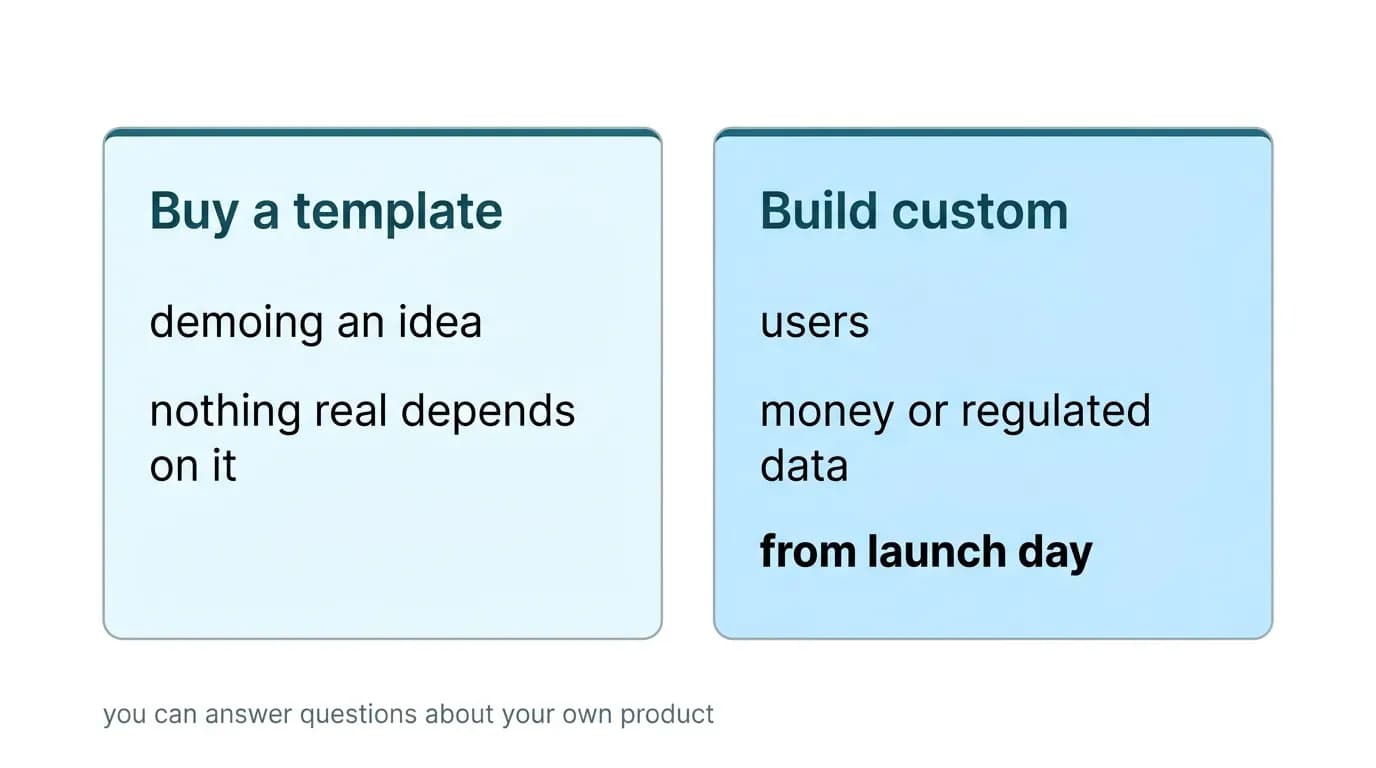
Buy a template if you're demoing an idea to five people this week and nothing real depends on it. Build custom when users, money or regulated data are involved, which, for most of the founders reading this, is from launch day.
The strongest reason to go custom isn't the code. It's that you can answer questions about your own product. When an investor asks how your ranking engine works, when a hospital asks where patient data is stored, when a user reports a bug, you have someone who knows, not a forum thread from three years ago.
If you want a scoped number instead of a range, tell us what you're building and we'll agree a fixed price and a fixed launch date before work starts. Start with our MVP software development page, or go straight to the service that matches your build: healthcare, real estate, or food delivery, short video and live streaming with virtual gifting.
Common questions
What are the security risks of using template scripts?
+
Template scripts commonly have exposed admin tools and debug endpoints that remain publicly accessible, use shell injection vulnerabilities where user input is pasted directly into commands, and store database passwords and API keys in source files instead of environment variables. These security gaps can lead to breaches and are rarely audited before purchase.
When should I buy a template script instead of building a custom app?
+
Buy a template script only if you're demoing an idea to a small group of people and nothing real depends on it. Once users, money, or regulated data are involved, custom development becomes necessary.
What is the total cost of ownership for a template script?
+
Beyond the initial license fee, template script costs include hosting, developer customization, fixes when updates break customizations, security reviews, and integration overhead with other tools. These unpredictable costs often exceed the upfront purchase price over time.
What are naming conventions and why do they matter in app development?
+
Naming conventions are consistent rules for naming scripts, files, database tables, and API routes using lowercase, hyphens or underscores, and prefixes by area. Template packages rarely follow consistent conventions, making inherited codebases difficult to maintain.
What decisions should a non-technical founder make versus delegate to developers?
+
Non-technical founders should own business rule decisions like who pays whom, what happens on cancellation, and what refunds look like. Everything else—architecture, security review, integrations, and store submissions—should be delegated to developers.
I am a startup veteran who has built five brands. I sold the first, an SEO tool, for a six figure exit, and now lead Appkodes, building custom mobile and web apps for founders and businesses. I bootstrapped every one of them from day one.