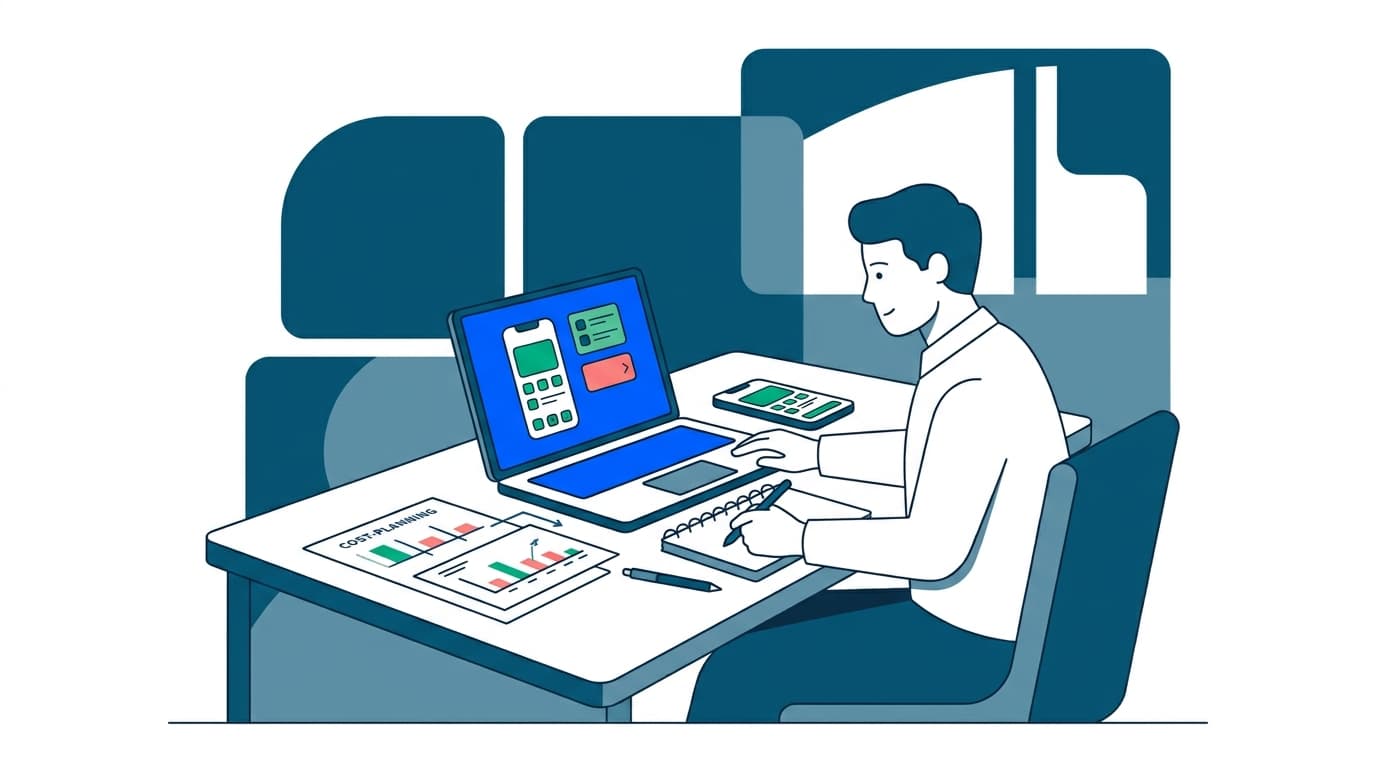
If you run a salon, spa or wellness studio and you're trying to budget for an app, here's the short answer. Expect to spend somewhere between $8,000 and $60,000 depending on how much you build. The first release of a focused, well-scoped app can start from $8,000. A single-location booking app with stylist calendars, deposits and reminders lands at the low end, while a multi-branch system with memberships, packages, inventory, payroll and a staff mobile app lands at the high end.
That range is only useful if you understand what moves you up and down it, and what you'll keep paying after launch. Many salon owners have priced a subscription platform, found it workable on the surface, then discovered the monthly fee was the smallest part of the bill. Processing fees, add-on modules and text message credits all stack on top of the staffed front desk you still need.
This guide walks through the real numbers and the hidden costs on both sides of the build-versus-subscribe decision, and it also covers how to get a figure you can actually plan against. If you want the broader picture of how these systems work before you budget, start with our guide to salon booking software development and come back here for the money.
The Short Answer: Typical Price Bands for a Salon Booking App
Let's put numbers down first, then explain them.
Minimum viable booking app, from $8,000. One customer app (iOS and Android), a stylist-side calendar, service catalog with durations and prices, online payment or deposit capture, and automated reminders. One location, one currency, no loyalty program, no inventory. This is a genuine first release, not a demo.
Growth-stage app, roughly $15,000 to $30,000. Everything above, plus multi-stylist rostering with skills and shift patterns, service add-ons and packages, client history and notes, loyalty points, waitlists, review prompts, promo codes, and an admin web portal with reporting. Usually two or three apps: client, staff, owner.
Multi-location or franchise system, roughly $30,000 to $60,000+. Branch-level inventory, retail product sales, commission and payroll calculations, cross-branch client records, franchise-level reporting, memberships with recurring billing, and role permissions deep enough that a branch manager can't see group financials.
Those price bands assume a custom build with your own branding, your own data and no per-booking fee to a third party. They don't include app store fees, your own payment processing, or ongoing hosting. All of that is covered further down.
Booking apps follow the same curve. The cost driver is never the industry. It's the number of distinct user roles and the amount of state the system has to keep straight.
What Actually Drives the Cost to Build a Salon Booking App
Eight things move the number more than anything else. Know them before you ask anyone for a quote.
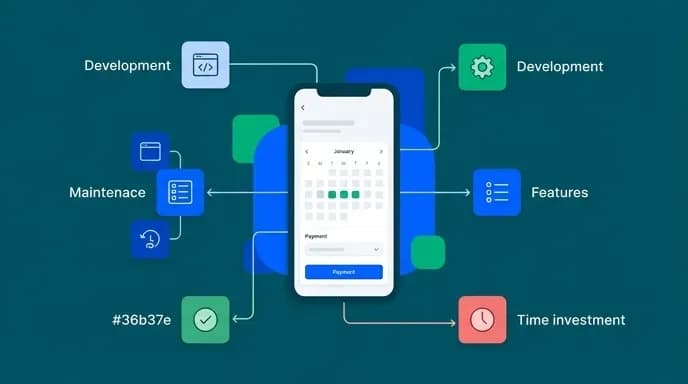
Number of user roles. A client app alone is one build. Add a stylist app and an owner dashboard and you've tripled the interface surface, even though the backend grows far less. This is the single biggest lever on the cost to build a salon booking app.
Scheduling complexity. "Book a haircut with anyone available" is simple. "Book a balayage that needs 90 minutes of stylist time, a 45-minute processing gap where the chair is occupied but the stylist is free, a colorist qualified for that service, and a shampoo station at the end" is a different piece of software entirely. Resource-aware scheduling, covering chairs, rooms and equipment, is the most underestimated line item in any salon appointment app development price.
Payments. Taking a card at checkout is straightforward. Deposits with partial refunds, no-show fees, prepaid packages that draw down over months, memberships that bill monthly and gift cards that transfer between clients each add real work.
Integrations. POS, accounting, email marketing, SMS gateway, Google and Apple calendars, Instagram booking buttons. Each one is its own small project with its own failure modes.
Platform. Building for iOS and Android separately costs more than a single cross-platform codebase, though native builds can perform better for camera-heavy or animation-heavy screens.
Design depth. A clean template-driven interface is cheap. A separate brand experience with custom illustration, motion and a styled booking flow costs more, and for a premium salon, it often earns that money back.
Data migration. Moving years of client records, appointment history, package balances and loyalty points off an existing platform is a project line item, not a free favor.
Compliance and privacy. Storing client contact details, payment information and health-related notes for certain treatments brings data protection obligations that add both development time and ongoing responsibility.
True Total Cost of Ownership: The Fees Nobody Quotes You
The quote is the start of the number, not the number. Here's everything else, laid out so you can build a real salon app development budget.
Payment processing. Every card transaction carries a percentage fee and often a small per-transaction charge, and this is usually the largest recurring cost once a salon is busy.
Hosting and infrastructure. A single-location app runs cheaply. Push notifications, image storage for stylist portfolios and before/after galleries, database backups and a staging environment all add up, though this stays modest until you're across many branches.
SMS and email. Automated text reminders are the highest-ROI feature in salon software and almost never free. Message credits are usually metered. Budget per booking, not per month, and assume multiple messages per appointment once you add confirmation, reminder and follow-up.
App store fees. Apple and Google each charge an annual or one-time developer account fee, and take a cut of in-app digital purchases. Services booked for in-person delivery generally fall outside that cut, but memberships and gift cards may not, depending on how you structure them.
Maintenance. OS updates break things. Plan for ongoing maintenance as a percentage of the build cost per year. This is standard across the industry and non-negotiable if you want the app to still work in two years.
Your own time. Setting up a service catalog, stylist skills, shift patterns and pricing tiers takes real hours from someone who knows the business, and training staff takes more. This cost is invisible in every quote and shows up in every rollout.
The pattern to watch for on subscription platforms: the base plan looks reasonable, then automated text reminders, marketing tools and advanced reporting each come as individual line items. Those are the exact features most owners assume are included. Price your intended configuration, not the headline plan.
Custom Salon Booking Software Cost vs. a Monthly Subscription
This is the decision most owners are really making, so let's treat it honestly rather than steering you.
The economics flip at three specific points.
When add-ons outgrow the base plan. Once you're paying for reminders, intake forms, reporting and marketing as discrete modules across a growing stylist count, the monthly total can quietly pass what amortized custom software would cost over the same period.
When the platform can't do what your business does. Multi-room spas, mobile stylists who travel, salons running training academies alongside services, memberships with unusual rules. These are where platforms force you to reshape your business around the software. That's the real cost, and it never appears on an invoice.
When the client relationship matters more than the booking. On a platform marketplace, your client can see every other salon in the area. A custom app is your brand on the home screen, your push notifications, your client list and your data, exported however you like.
So the honest framing of custom salon booking software cost isn't "cheaper than subscriptions." It's a capital expense that buys you control, fits your actual operations, and stops the monthly bill from growing with your headcount. Stay on a subscription a while longer if none of those three things is currently hurting you. We'd rather tell you that now than build you something you didn't need.
Cost Comparison Across Booking Platforms: How to Compare Apples to Apples
When you line up platforms, the sticker prices look comparable and the real costs aren't. Build a uncomplicated comparison sheet with these rows and fill it in for every option including a custom build.
Monthly base fee at your actual stylist count. Most platforms price per staff member or per calendar. Four stylists on a plan built for two means you're on the next tier up.
Which of these are included and which are paid add-ons: automated SMS reminders, email marketing, client intake and consultation forms, advanced reporting, payroll, inventory, gift cards, memberships, waitlists. Mark each one.
Processing rate and per-transaction fee. Multiply by your actual weekly card volume. This row is usually the biggest number on the sheet.
Whether fees can be passed to clients. A yes or no that materially changes the total.
Contract length and price-rise terms. Annual lock-ins and automatic uplifts on renewal.
Data export. Check whether you can take client records, appointment history and package balances out in a usable format, and at what cost.
Hardware. Card readers, tablets, printers, cash drawers. Some platforms only work with their own.
Then total each column over three years. Three is honest.
The comparison that matters most is not between two platforms. It's between your best platform option and the cost of building a booking app for salons that fits your operations exactly. Once both totals sit side by side over three years, the decision usually makes itself.
The Operational Cost of Switching Platforms
Nobody budgets for this and everybody pays it. If you're moving off an existing system, whether to another platform or to a custom build, count these costs before you commit.
Data migration. Client contact details export cleanly. Appointment history, package balances, loyalty points, gift card liabilities and stylist-specific notes often don't, so expect manual reconciliation. It takes a person several days at minimum.
Double running. For a transition period you'll have bookings in both systems. Running parallel for a few weeks is the safe approach and it means paying for both.
Staff retraining. Every stylist has muscle memory for the old interface. Output drops during the switch, and the drop shows up as slower checkouts and booking errors during busy hours.
Client re-education. Your regulars have the old booking link saved, the old app installed and the old confirmation emails in their inbox. Some will try to book on a dead system and simply not rebook. This is a real revenue cost and the one most owners discover after the fact.
Integration rebuilds. Your accounting sync, your email list and your Google Business profile all point at the old system, and each needs reconnecting.
Historical reporting gaps. Year-on-year comparisons break when the data lives in two systems. If you're switching, switch at the start of a financial year if you possibly can.
Revenue Lost to Missed Calls During Peak Hours
Here's the cost that belongs in every salon scheduling app pricing conversation and appears in none of them.
Online scheduling cannot answer a phone. During blowouts, during color processing, during a packed Saturday, calls ring out. The caller wanting to book a $200 color service doesn't leave a voicemail. They call the salon down the street. That lost booking is a cost of your booking system just as surely as the subscription fee, and it's usually much larger.
There are three realistic ways to cover the front desk gap, and each has a cost you can compare directly against that lost revenue:
Hire dedicated front desk staff. The most expensive option, the best client experience, and the only one that handles walk-ins, retail sales and upselling at the same time. Justifiable once your missed-call revenue exceeds the wage.
Use an answering service. Cheaper, handles overflow, and works well if the service can actually see your calendar and book directly into it. If it can only take messages, you've delayed the problem rather than solved it.
Implement an AI receptionist. Answers every call, books into the live calendar, handles rescheduling and confirms details. Cost sits well below a salaried hire.
Whichever you choose, plan it alongside the app rather than after. If your app has a clean booking API from day one, any of the three options plugs in. If it doesn't, you're paying for integration work later.
Why Mobile-First Design Changes the Salon Appointment App Development Price
Most salon bookings happen on a phone, often in the evening, often in under two minutes, and often from a link in an Instagram bio or a text reminder. Design for that or don't bother.
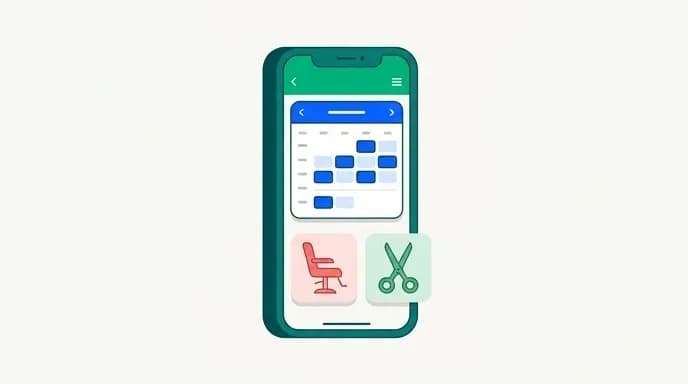
The mobile-first version converts far better and costs slightly more to build. The engineering behind "first available across four stylists with the right skill and a free chair" is harder than a dropdown.
Specific things worth paying for in a mobile build:
Guest checkout. Forcing account creation before a first booking loses bookings. Create the account silently after the booking completes.
Saved cards and one-tap rebooking. A regular booking their six-week color should take three taps from the home screen.
Deposit capture at booking. The strongest no-show defense there is, and it needs to be frictionless or clients abandon.
Push notifications instead of only SMS. Once a client installs your app, push costs nothing per message while SMS is metered. Over a year across a large client base, that difference alone can offset a chunk of the build.
A fast web fallback. Not everyone installs an app. A booking page that loads quickly on a mid-range phone on a weak connection catches everyone else.
Processing Fee Structures and Who Pays Them
Payments deserve their own section because they're the largest frequent cost in most salons and the least transparently quoted.
Three structures exist. Bundled flat rate is the common one: a single percentage plus a per-transaction cent fee, typically in the range mentioned earlier across salon platforms. Easy to forecast, usually the most expensive at volume. Interchange-plus passes the card network's actual cost through and adds a fixed markup. More complex statements, generally cheaper once you're processing serious volume, and only offered if you ask. Your own merchant account means you choose the processor independently and the software just connects to it. This is only possible with a custom build or a platform that allows third-party processors.
With a custom app, you choose the processor, you can renegotiate as your volume grows, and you can switch without changing your booking system. For a high-volume salon, that flexibility alone can be worth more than the entire difference in the salon booking app development cost between custom and subscription.
Then there's surcharging. Some platforms let you pass card fees to clients with clear disclosure. Whether that's legal and how it must be disclosed varies by state and country, and card network rules apply too, so check it properly rather than assuming. Where it's permitted and handled transparently, it moves a large routine cost off your P&L entirely. Where it isn't, or where it would damage a premium brand positioning, absorb it and price your services accordingly. Either way, make it a deliberate decision rather than a default.
When you're assembling your salon app development budget, model processing at your real volume, not a round number. A seemingly small difference in processing rate looks trivial on a single $80 blow-dry and stops looking trivial across a year of a full column.
Pricing Models Compared: Per-Booking, Per-Seat and Flat Monthly
How a system charges you shapes your economics as much as what it charges.
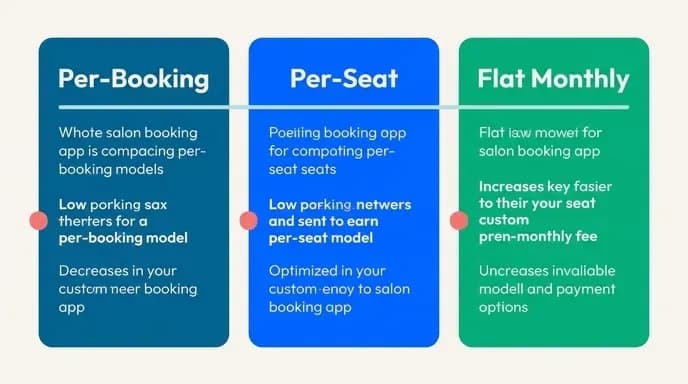
Per-booking fees scale with success, which sounds fair and punishes growth. Every booking you drive through your own marketing pays a toll. Worst case is a marketplace model where you pay a commission on new clients you'd have won anyway.
Per-seat or per-calendar pricing is the most common platform model. It penalizes you for hiring and for part-time staff, since a stylist working two days a week often costs the same as one working six. Salons with large teams of part-timers feel this hardest.
Flat monthly pricing is predictable but tiered, and the tier boundaries are usually set just below where a growing salon needs to be. Check what triggers the next tier before you sign.
One-time build with ongoing maintenance, the custom route, is a capital cost followed by a predictable annual figure that doesn't move when you hire, grow or add a location. Your variable costs become only the genuinely variable ones: processing, SMS and hosting.
Match the model to your trajectory. A stable two-chair salon with no growth plans is well served by flat monthly pricing forever. A salon planning a second location within eighteen months should run the numbers on per-seat pricing at the headcount they expect to have, not the one they have today. That projection is usually what tips the cost of building a booking app for salons from "expensive" to "obviously cheaper."
Integration and Maintenance Costs After Launch
Launch is the start of the spending, not the end of it. Budget for these from day one.
OS updates. Apple and Google ship major releases annually and both break things. Keeping an app functional and in the stores requires ongoing work regardless of whether you add a single feature.
Third-party API changes. Payment gateways, SMS providers, calendar sync and accounting tools all change their interfaces. Each change is a small job that cannot be deferred indefinitely.
Security patches. Dependencies have vulnerabilities and need updating. Non-optional with client data in the system.
Feature iteration. Your first version will be wrong about something, probably the booking flow, probably the reminder timing. Budget for a round of changes after the first three months of real usage, informed by what clients actually do rather than what you guessed.
Support. Someone has to answer "the app won't let me book" from a client at 9pm. Define whether that's your front desk, your developer or a support plan, and price it.
Hosting growth. Storage and bandwidth rise with photo galleries, client records and traffic.
A reasonable planning assumption is an annual maintenance figure set as a percentage of the original build cost, which is how the industry prices it and how we structure our own agreements. Get that number quoted alongside the build, in writing, before you start. A build quote without a maintenance quote is half a price.
Getting a Fixed Price and a Fixed Launch Date Before Work Starts
Most of the fear around custom software isn't about the number. It's about the number changing. The quote says $20,000, the invoices say $34,000, and the launch that was scheduled for spring arrives in autumn.
We work the other way around: fixed price, fixed launch date, agreed before any work starts. You know the figure and the date, and we carry the risk of our own estimate being wrong.
For that to work, the scope has to be defined properly up front. That's the part owners find unfamiliar, so here's what we need from you:
Your service catalog, with real durations including processing time, and what resources each service needs.
Your booking rules. How far ahead clients can book, cancellation windows, deposit policy, whether clients pick a specific stylist, how you handle double-booking during processing gaps.
Your staff structure. Who does what, shift patterns, commission rules if the app calculates them.
Your must-haves versus nice-to-haves, honestly separated. The nice-to-haves go into phase two, which is how a first release reaches the market in weeks rather than quarters.
Scope changes after that are priced as changes, clearly, before they're built, with their effect on the date stated. That's not rigidity. It's the only way a fixed price means anything.
If you want the broader picture of how reservation and scheduling systems are architected across service businesses, our restaurant reservation system work covers much the same ground. It spans resource-aware availability, deposits, no-show handling and staff-side tooling.
A Realistic 3-Year Budget for a Mid-Size Salon
Pulling it together, here's how to frame the decision on a single page.
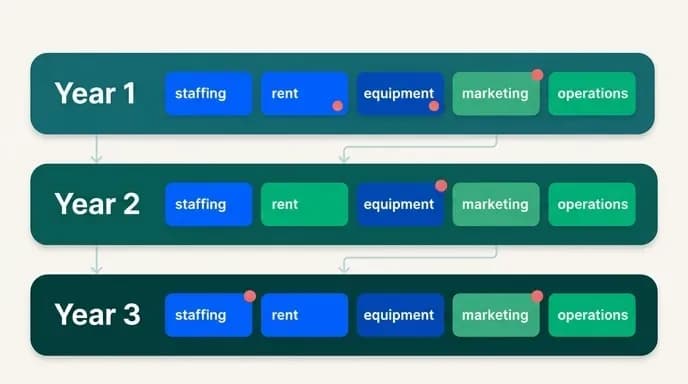
Take your realistic build figure, somewhere in the bands at the top of this article, and add three years of annual maintenance, three years of hosting, three years of SMS and push, and three years of card processing at your actual volume. That's the custom total.
Against it, put three years of your best platform's base fee at your projected stylist count, plus every add-on you'd actually turn on, plus the same three years of processing at their rate, plus one migration cost if you'd likely switch within the period.
Then add to both columns the cost of covering the front desk, whether that's staff, an answering service or an AI receptionist, because that cost exists either way. Leaving it out of both is the mistake that makes online-only booking look cheaper than it is.
Whichever column wins, you'll have a defensible number instead of a guess. That's the real deliverable of any honest salon scheduling app pricing exercise: not a cheaper answer, a clearer one.
Get a Fixed Price Before Anyone Writes Code
If a subscription platform is genuinely the better call for where you are right now, we'll say so.
Get a quote for your salon booking app and start from a number you can plan against.

Arun Andiselvam
LinkedInI am a startup veteran who has built five brands. I sold the first, an SEO tool, for a six figure exit, and now lead Appkodes, building custom mobile and web apps for founders and businesses. I bootstrapped every one of them from day one.